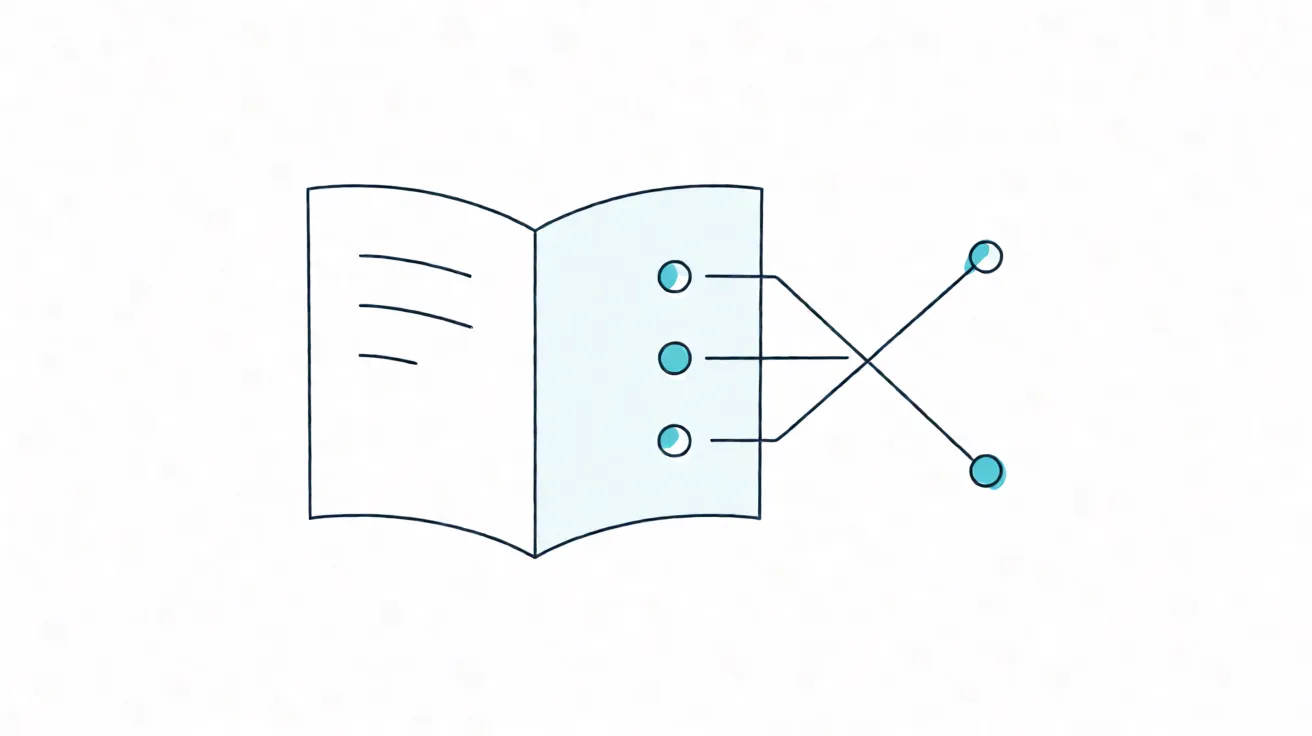
The last onboarding I audited belonged to a company with roughly 60 people and a documentation library of 400 pages. It looked impressive on any screenshot someone could send to a prospective hire. In reality, 11 of the 400 pages contained the only accurate answer to the questions that actually stopped a new hire in their first week, and all 11 were written by the same person in their first month on the job.
That person has left. The pages remain. They are the reason this kind of onboarding system fails, and the reason I keep pushing teams back toward one uncomfortable idea: if a new hire has to ask, the knowledge was never written down.
McKinsey State of AI 2026, published in August 2026 from a survey of more than 1,700 executives across 97 markets, points at exactly this seam. For organizations reporting a negative or neutral impact from AI, the largest barrier was not model capability. It was a lack of reusable, structured knowledge to point AI at. Translation for a remote team: you cannot automate onboarding with AI because onboarding was never written down in the first place.
The scale gap in the same report is telling. Large organizations scaled agentic AI to 40 percent, up from 27 percent the prior year. Small organizations stayed flat at 22 percent. Two years of identical numbers at the small end. That is not a budget gap. It is a knowledge-asset gap, and 40 percent of the IT executives surveyed said tool sprawl is actively harming collaboration and efficiency.
Step one: work backwards from the ten questions
The instinct is to organize documentation by tool, then by team, then by whatever someone thought of last quarter. That produces a library that looks complete and answers nothing. Work backwards instead.
Write the ten categories a new hire will definitely ask about in their first week. They are almost always the same ten:
- Where do I put my credentials and how do I rotate them.
- How do I get the environment running on my own machine.
- Where does a request become a decision, and who signs off.
- What does a code review actually expect from me.
- How do people talk to customers, and when am I allowed to reply.
- Where do incidents get reported, and who owns the first hour.
- What is the difference between urgent and normal in this team.
- How do I book time without stepping on a colleague’s focus window.
- What does a good first-week output look like.
- What happens when I genuinely do not know.
The tenth question is the one every team gets wrong, and it is the one I write first. If there is no documented answer to “where do I ask,” then your team has an async problem and a documentation problem and a psychological safety problem, all in one missing sentence.
Step two: map knowledge by need, not by folder
Once the inventory exists, sort every page into four quadrants. A new hire should be able to find their way around by what they need, not by how the person who wrote it happened to think about it.
- Environment setup. Machines, credentials, permissions, local builds, staging access.
- Team rituals. Standups, review cadences, retros, how feedback is given and received.
- Decision mechanics. How proposals move, what a decision record looks like, who has final say on which surface.
- Code and document conventions. Style, review expectations, naming, how documentation itself is maintained.
If a page cannot be placed in one of the four, it is either too old to matter or too vague to write. Both should be deleted, not archived.
Step three: the three-part runbook template
A runbook is only useful if someone can execute it without asking. The template I use has three parts, and the third is the one teams usually skip.
Purpose and input
One sentence on what this runbook is for, and a short list of the exact inputs required before starting. If the inputs are missing, the reader should stop and ask, not improvise.
Numbered steps
Each step is one action with one observable result. If a step needs an opinion, it is not a step. Push the opinion into the decision record and link to it.
Stop-and-ask condition
The explicit exit signal: the specific condition under which this person should stop and reach out to a human. Write it. “When in doubt” is not a condition, it is a confession that the runbook does not cover the case.
A runbook without an exit signal trains people to guess silently. Silent guessing is how you get an incident that could have been a question.
Step four: every page has an owner and an expiry date
Unowned knowledge decays at a fixed rate, and the rate accelerates the faster your team ships. Every page gets two metadata fields at the top: an accountable owner, and a 180-day review date.
The owner is not the author. The author wrote it once; the owner is the person who loses credibility if the page is wrong when someone follows it. That difference matters, because authors leave and the accountability must not leave with them.
The 180-day clock is short on purpose. Documentation drift is invisible until it causes an incident, and an incident is the worst possible moment to discover that your onboarding material describes a workflow that changed eleven months ago.
Step five: let AI do the staleness detection
This is the piece that makes the whole system sustainable, and it is the one that finally pays off the knowledge investment McKinsey describes.
The rule is simple: surface pages with no recent edit and no recent view, and route them to their owner with a one-line prompt asking whether the page is still accurate. Two outcomes. Either the owner confirms it in a minute and resets the clock, or the page is scheduled for deletion. Either way, the knowledge base shrinks toward truth instead of quietly rotting.
Run it weekly. A single automated pass catches the long tail that a human review cycle never reaches, and it is the only reason I can defend the 180-day expiry to a skeptical engineering lead. Without automation, expiry dates are polite fiction. With automation, they are a queue.
| Quadrant | First-week question it answers | Owner | Review cycle |
|---|---|---|---|
| Environment setup | How do I run this on my machine | Engineering lead | 180 days |
| Team rituals | How does this team actually work | Team lead | 180 days |
| Decision mechanics | How does a request become a decision | Owner of the decision surface | 180 days |
| Code and document conventions | What does good look like here | The person who reviews your work | 180 days |
That table is the whole onboarding system. Four quadrants, four owners, one cadence, one expiry date. Everything else is pages.
What changes for the new hire
The first-week experience flips. Instead of a calendar of orientation calls and a folder of 400 pages, a new hire gets four documents and a single instruction: read these, and when you hit a stop-and-ask condition, use the channel named in document four.
Ramp time falls, but the more durable change is that the team stops depending on one person’s availability to make the team functional. The person who wrote those 11 pages can leave, and the team still works. That is the actual definition of a documentation-first onboarding system, and it is the only version that survives attrition.
The McKinsey numbers describe a world where the tooling already exists and the leverage does not. For remote teams, the missing link is not a new SaaS subscription. It is the unglamorous act of writing down the ten questions nobody asked anyone to write down.